Invite a client to the portal
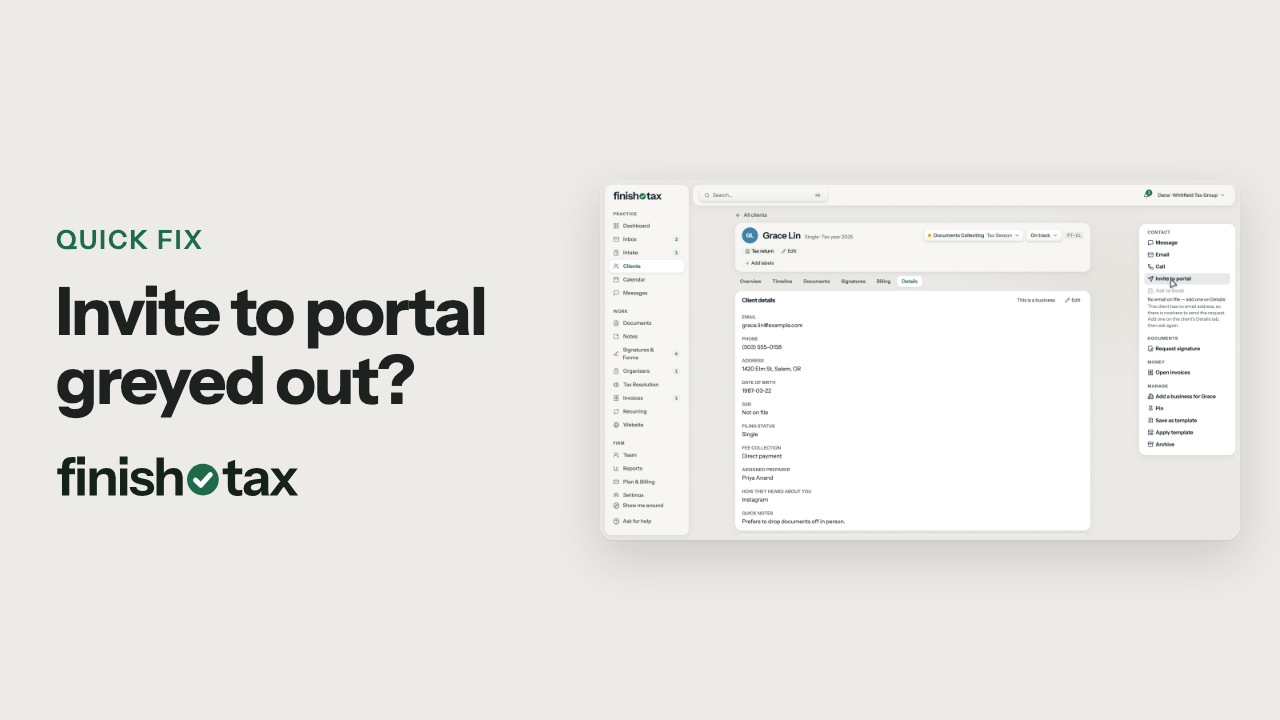
Invite to portal on a client's profile emails them a link to set up their portal login.
Steps
- Open the client's profile and find Invite to portal.
- Click it. The client gets an email inviting them to your portal, with a button to set up their account.
- The profile now shows when you invited them, and the button reads Send again.
- The link lasts seven days. If it runs out or gets lost, send it again.
- Once they're in, they can share documents, message you and sign forms.
Plan: Solo and up. Compare plans
More in Clients
Still stuck?
Email us what you were trying to do and where it stopped.