Import clients from a CSV
Clients, Import CSV: choose the file, check the column mapping and preview, then Import.
Steps
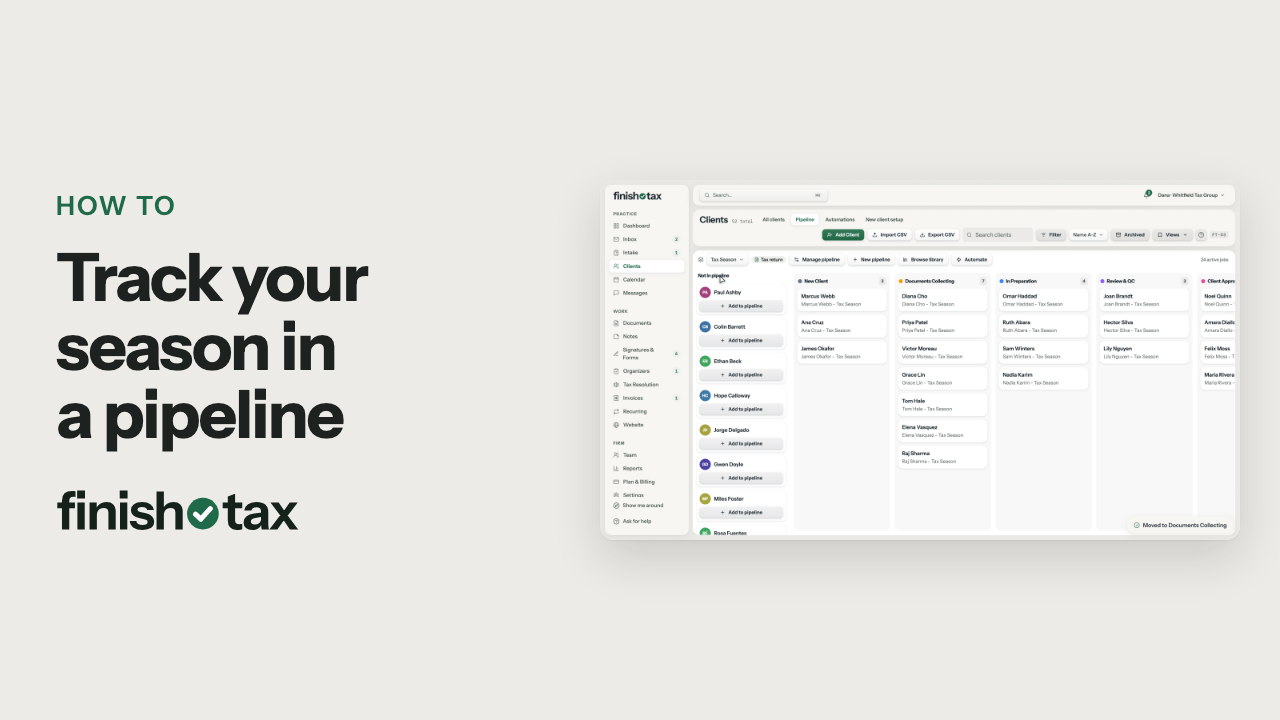
- On Clients, click Import CSV.
- Save your sheet as a CSV with one client per row, then choose the file.
- Pick a new client template, and everyone you import starts with its checklist.
- FinishTax matches your columns, like first name, email and phone. Fix any match it got wrong.
- Check the preview. Rows with no first name are skipped, and so are names already on your list.
- Click Import. Every client in the file gets a profile of their own.
Plan: Every plan. Compare plans
More in Clients
Still stuck?
Email us what you were trying to do and where it stopped.