Invite to portal greyed out?
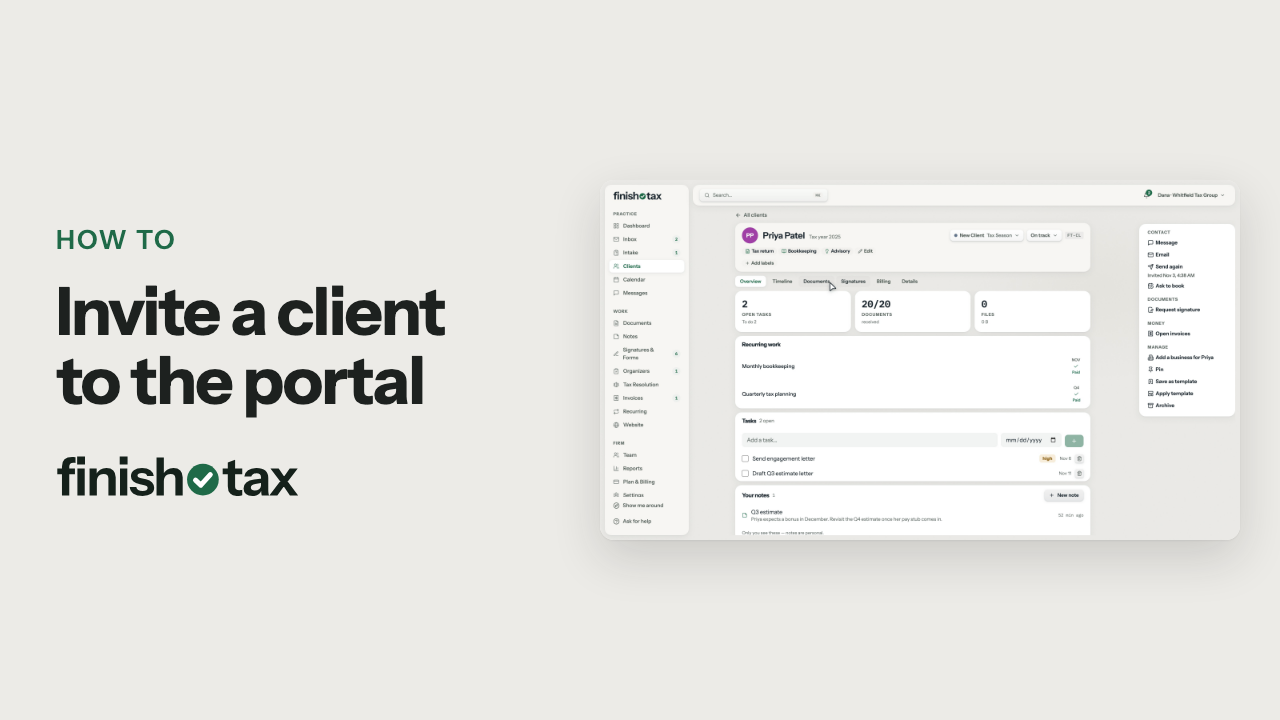
The client has no email on file: add one on the Details tab and Invite to portal works.
Steps
- The invite goes out by email, so the client needs an address on file.
- Open the client's Details tab.
- Click Edit, type the client's email address, and save your changes.
- Invite to portal is ready. Click it, and the client gets a link to set up their login.
Plan: Solo and up. Compare plans
More in Clients
Still stuck?
Email us what you were trying to do and where it stopped.