Publish your firm website
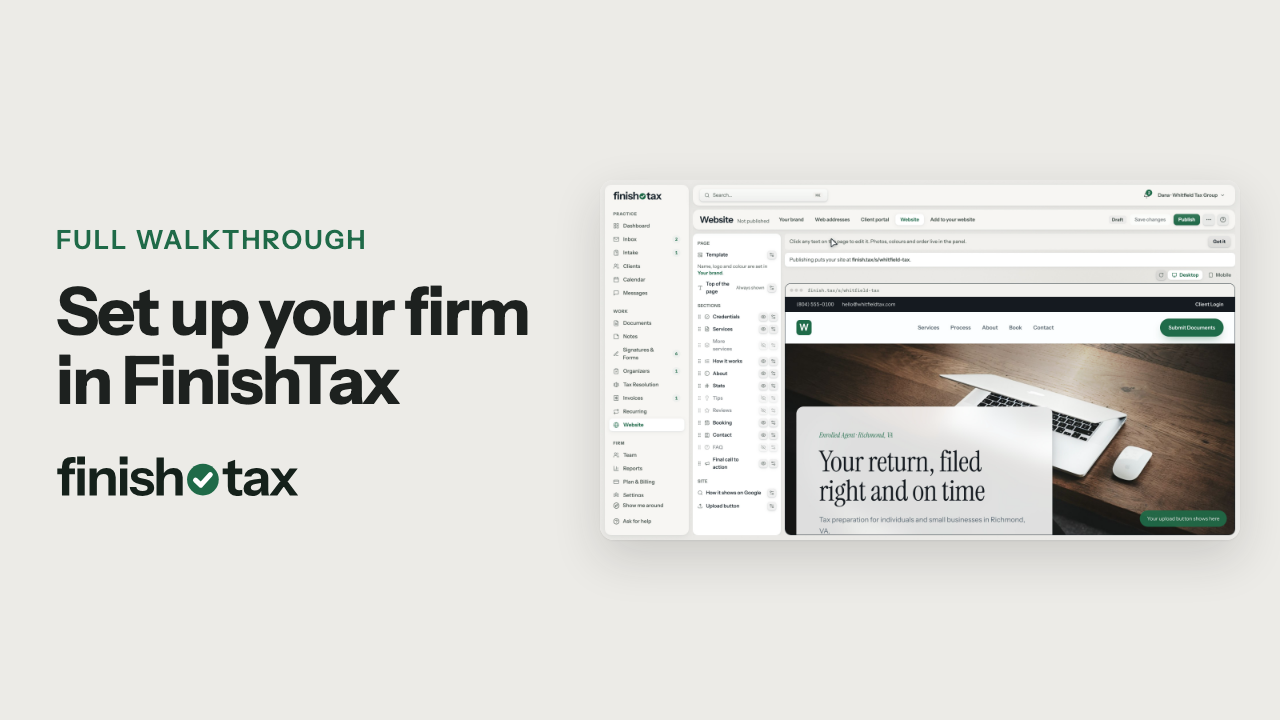
Set your name, logo and colour in Your brand, edit the Website tab, then click Publish and confirm.
Steps
- Open Website. Your brand holds the name clients see, your logo and your brand colour.
- Set them once, and your website uses all three.
- The Website tab is your site. Click any text on the page to change it.
- When it reads right, click Publish. It asks first.
- It shows the address your site will live at, and checks your brand and contact details.
- Publish, and your website is live. It's included on every plan.
Plan: Every plan. Compare plans
Longer walkthroughs
Still stuck?
Email us what you were trying to do and where it stopped.