Ask to book won't send?
Make at least one appointment type public in Calendar, Types, and Ask to book sends again.
Steps
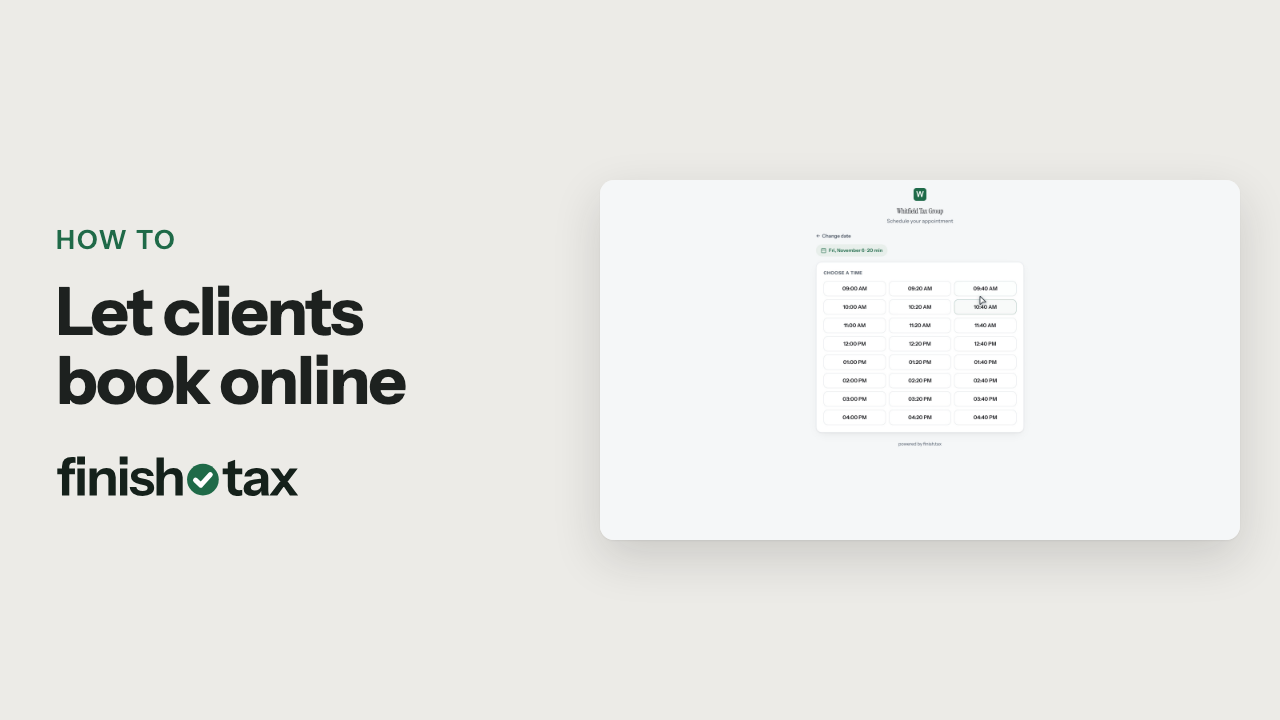
- Clients book from your booking page, and only public appointment types show up there.
- Open Calendar, then Types, and find the appointment type that is set to private.
- Click Edit, check Show on the public booking page, and save. Now it's public.
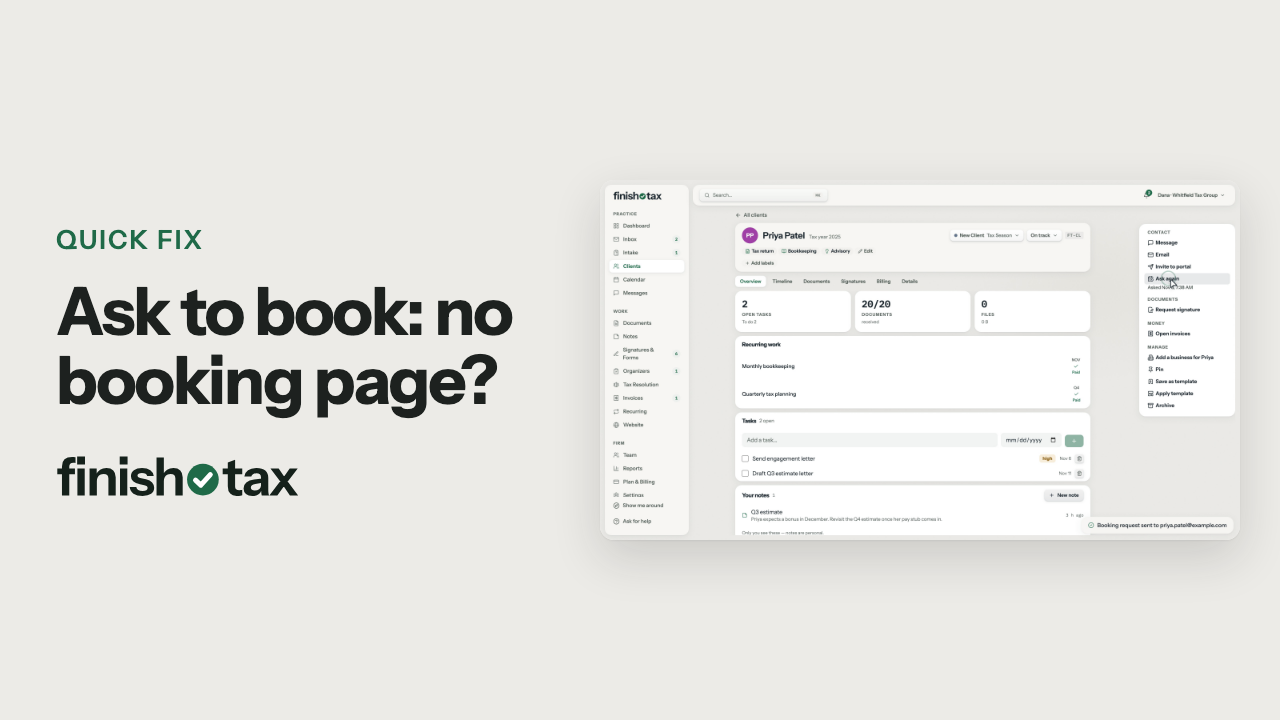
- Back on the client's profile, Ask to book is ready. Click it, and the client gets a link to pick a time.
Plan: Small Firm and Agency. Compare plans
More in Calendar
Still stuck?
Email us what you were trying to do and where it stopped.